Your event, produced like a live broadcast.
Cameras, slides, remote speakers and graphics in a single mix, for the room screens, the stream and the recording. From a one-camera workshop to a multi-room conference.
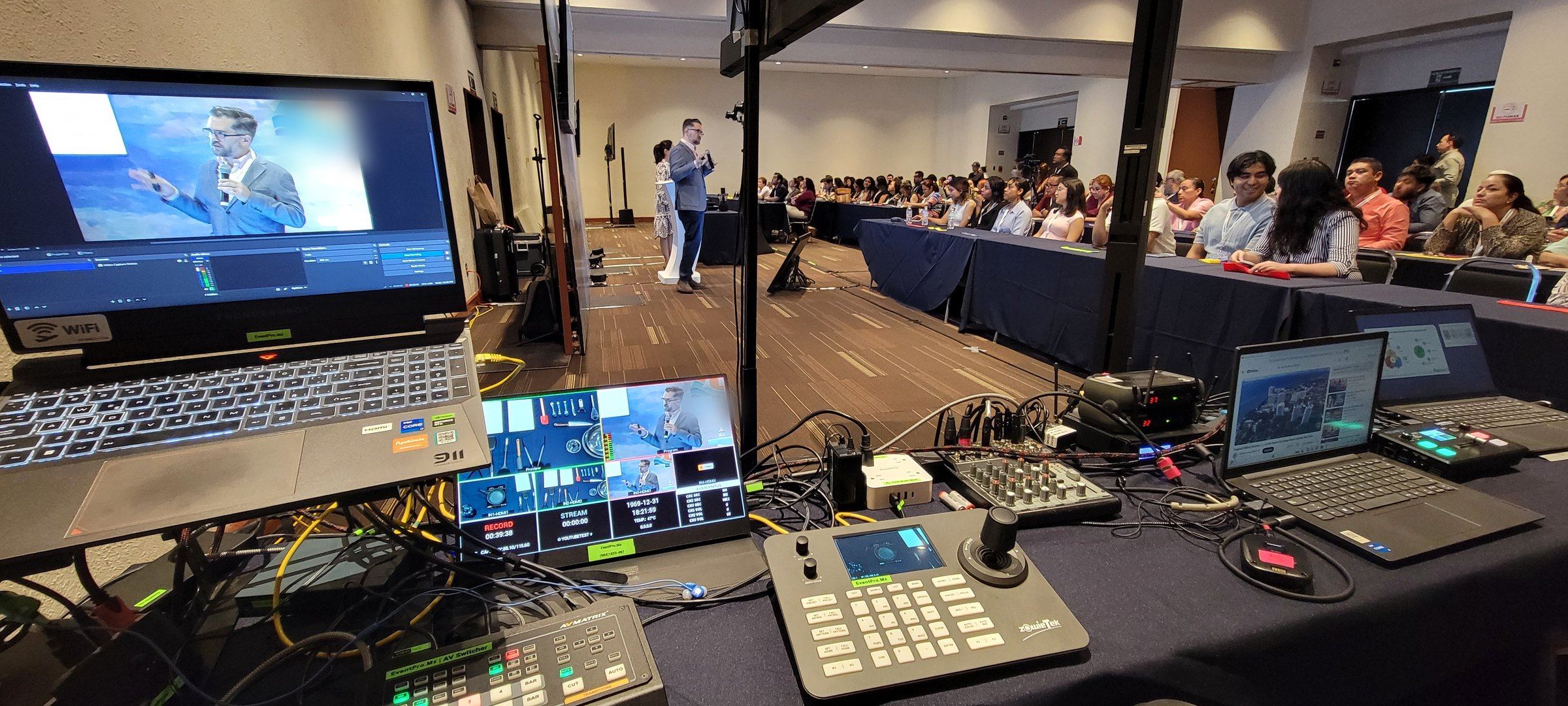
An event can go well in the room and badly on screen.
What’s seen live, what reaches the stream and what gets recorded is how everyone who wasn’t there sees your event.
Audio no one can hear
The room sounds fine, but the stream arrives silent or full of echo.
Slides that won’t show
Laptop swaps, the wrong cables and dead minutes in front of the audience.
One static camera
A shot that doesn’t change for eight hours keeps no one watching.
Everything comes into one place. It goes out wherever you need it.
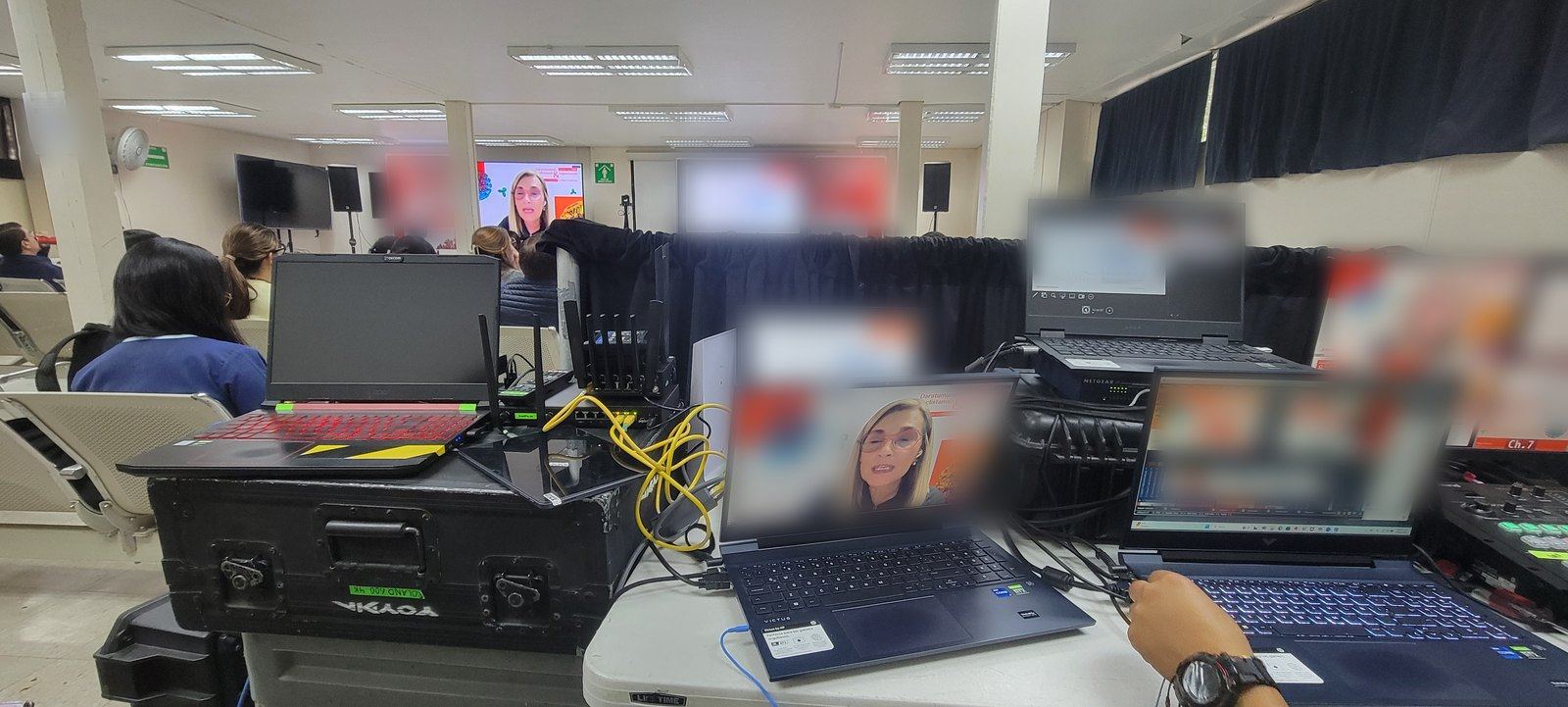
Every camera, slide deck and remote speaker reaches the production desk. That’s where we decide, in real time, what the room sees, what the stream shows and what gets recorded.
- Camerasremote-controlled PTZ
- Slides and feedslaptops, video, remote speakers
- Production deskvMix · TriCaster · Arena
- Outputsscreens · streaming · recording
- 01
We plan with you
Program, rooms, speakers and what gets streamed. We survey the venue first.
- 02
We set up and test
Every camera, slide deck and link is tested before doors open.
- 03
We produce it live
From the first word to the close, with on-site tech support the whole time.
Everything your event needs, without hiring five vendors.
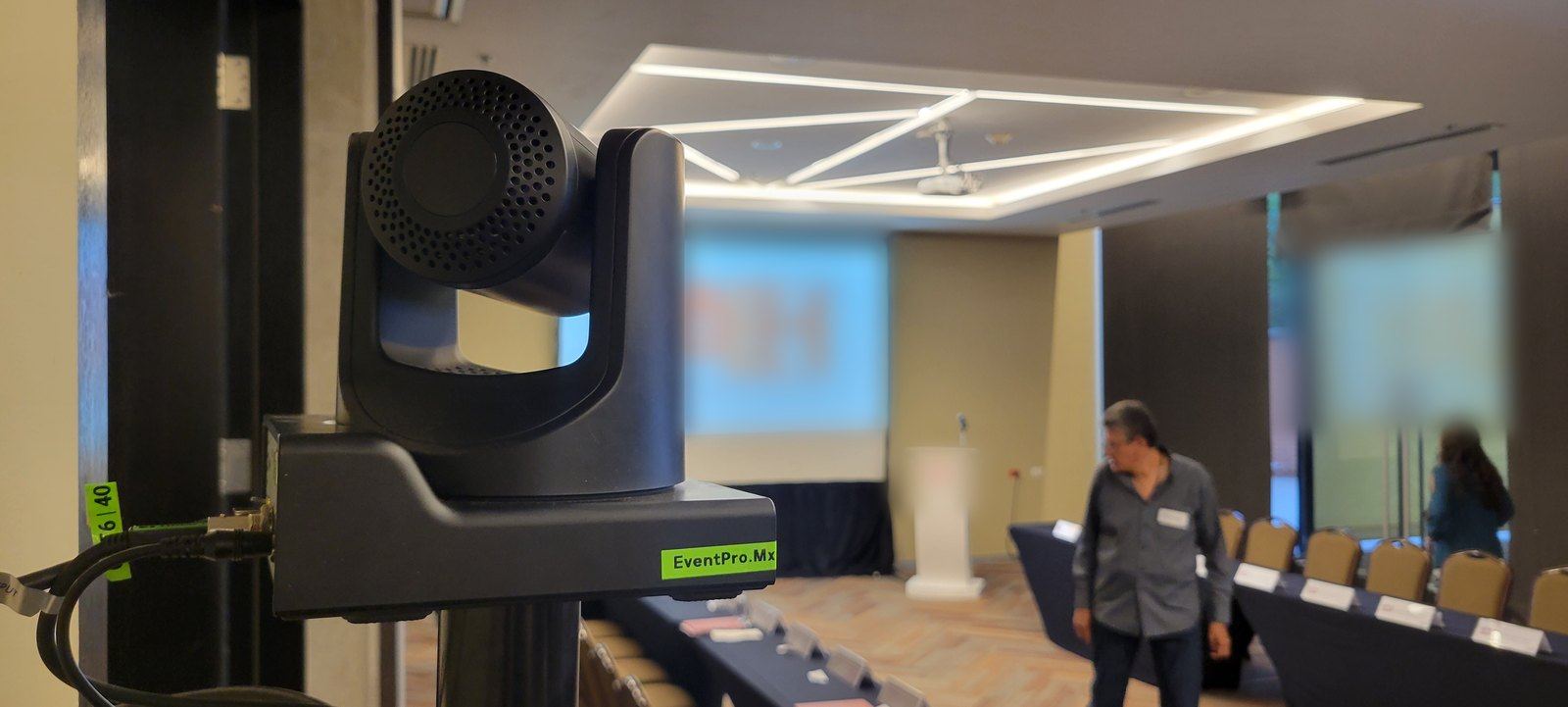
Multi-camera
Remote-controlled PTZ cameras that follow the speaker without blocking the aisles.
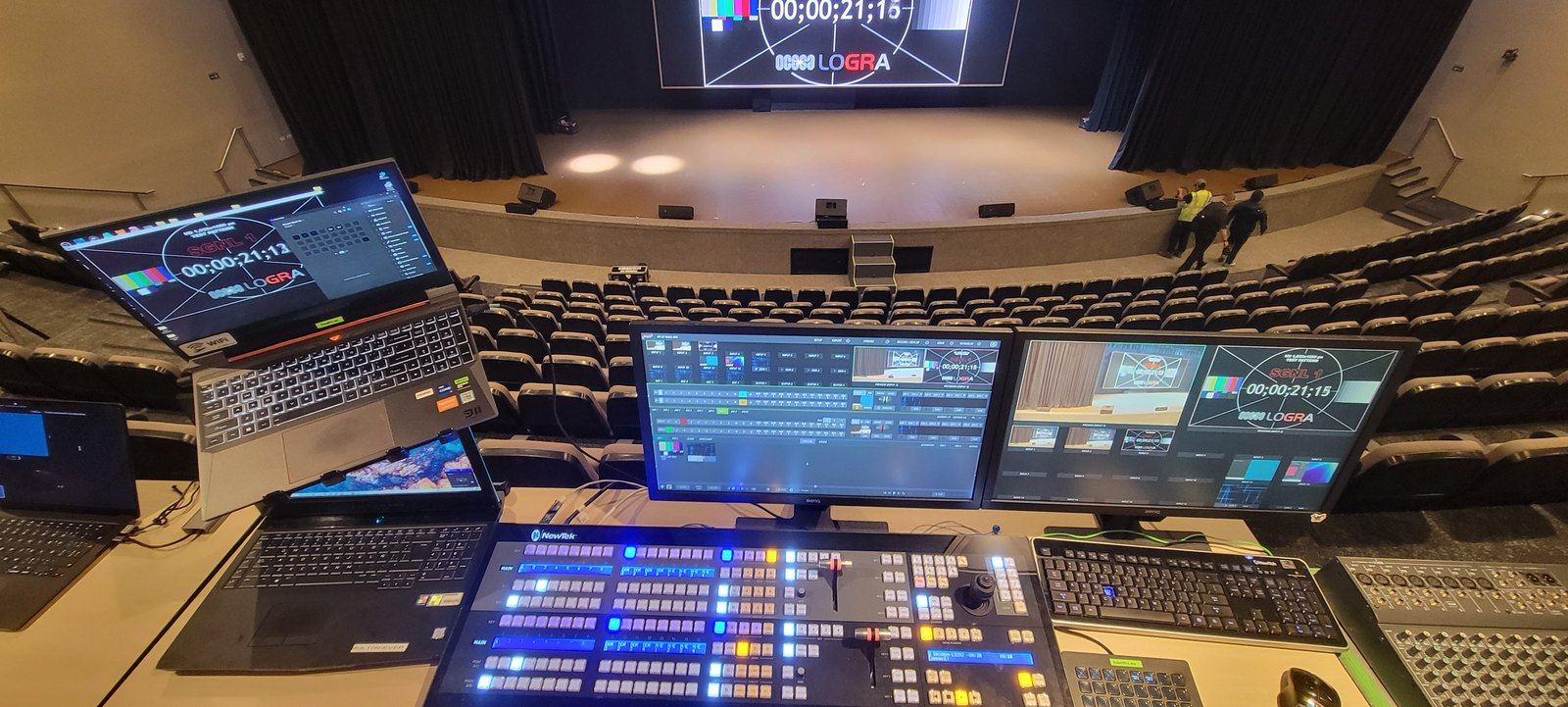
Professional streaming
Streaming to YouTube, Zoom, Teams or a private platform, with clean audio and graphics.
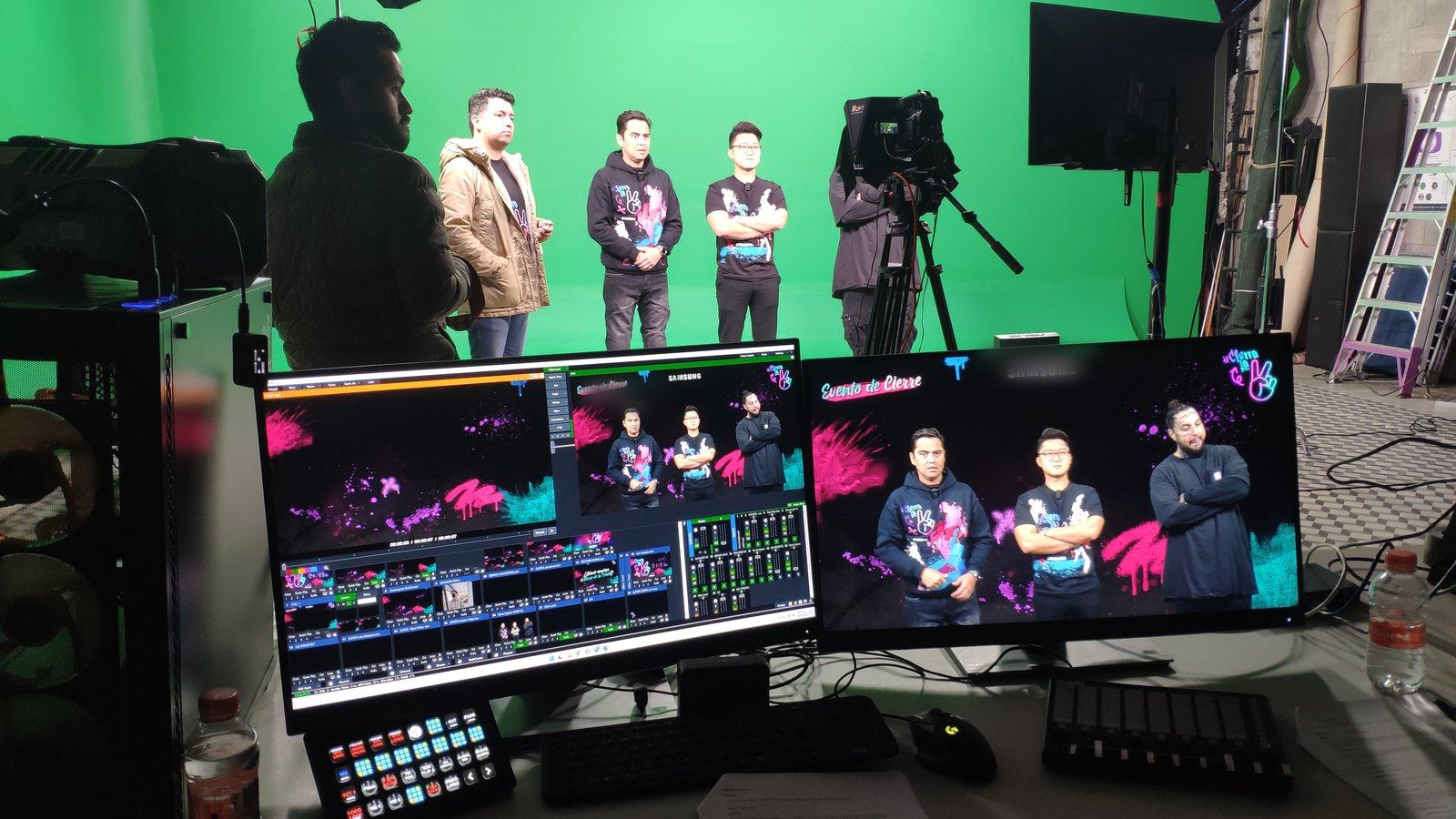
Live graphics
Each speaker’s name and title, logos, countdowns and holding slides.
Remote speakers
Guests from another city or country brought into the live program.
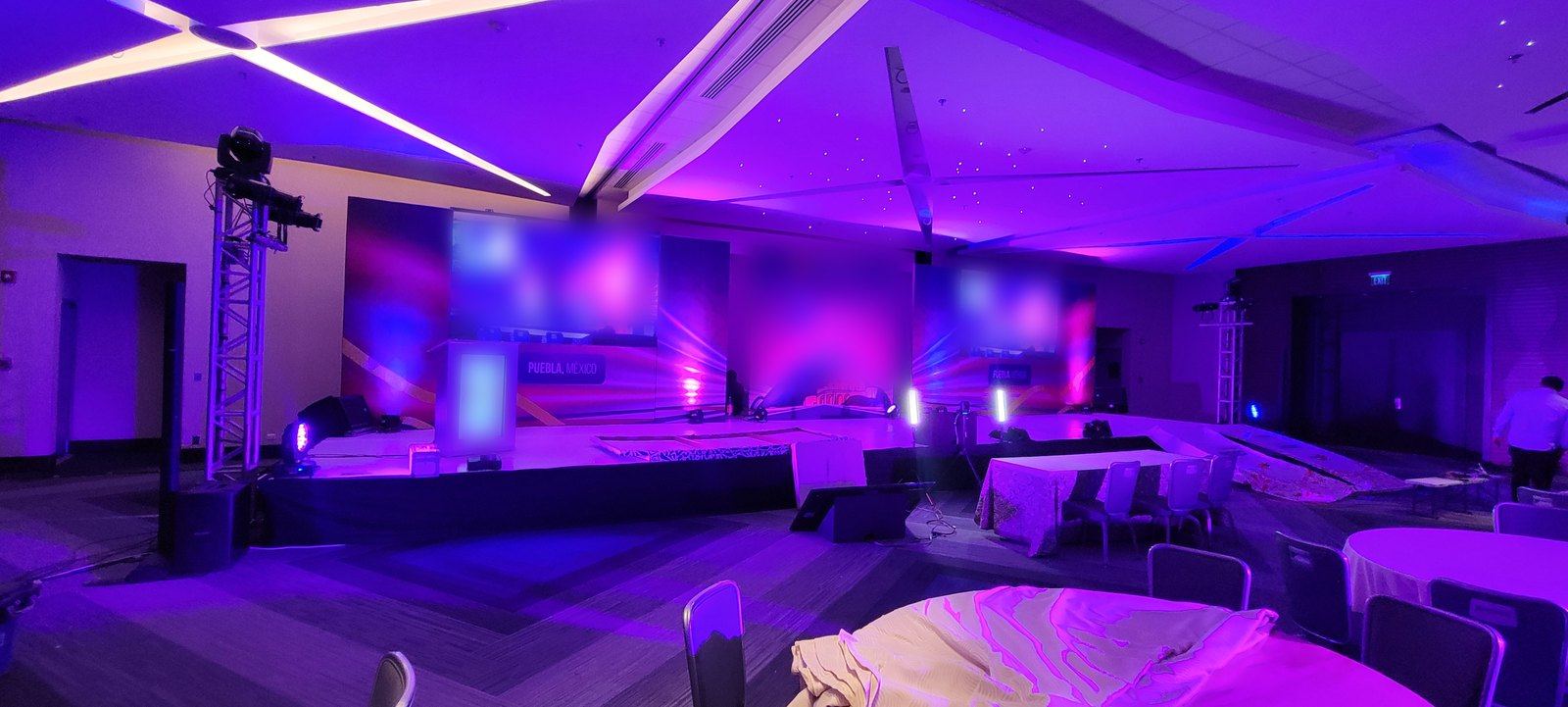
Screens and LED
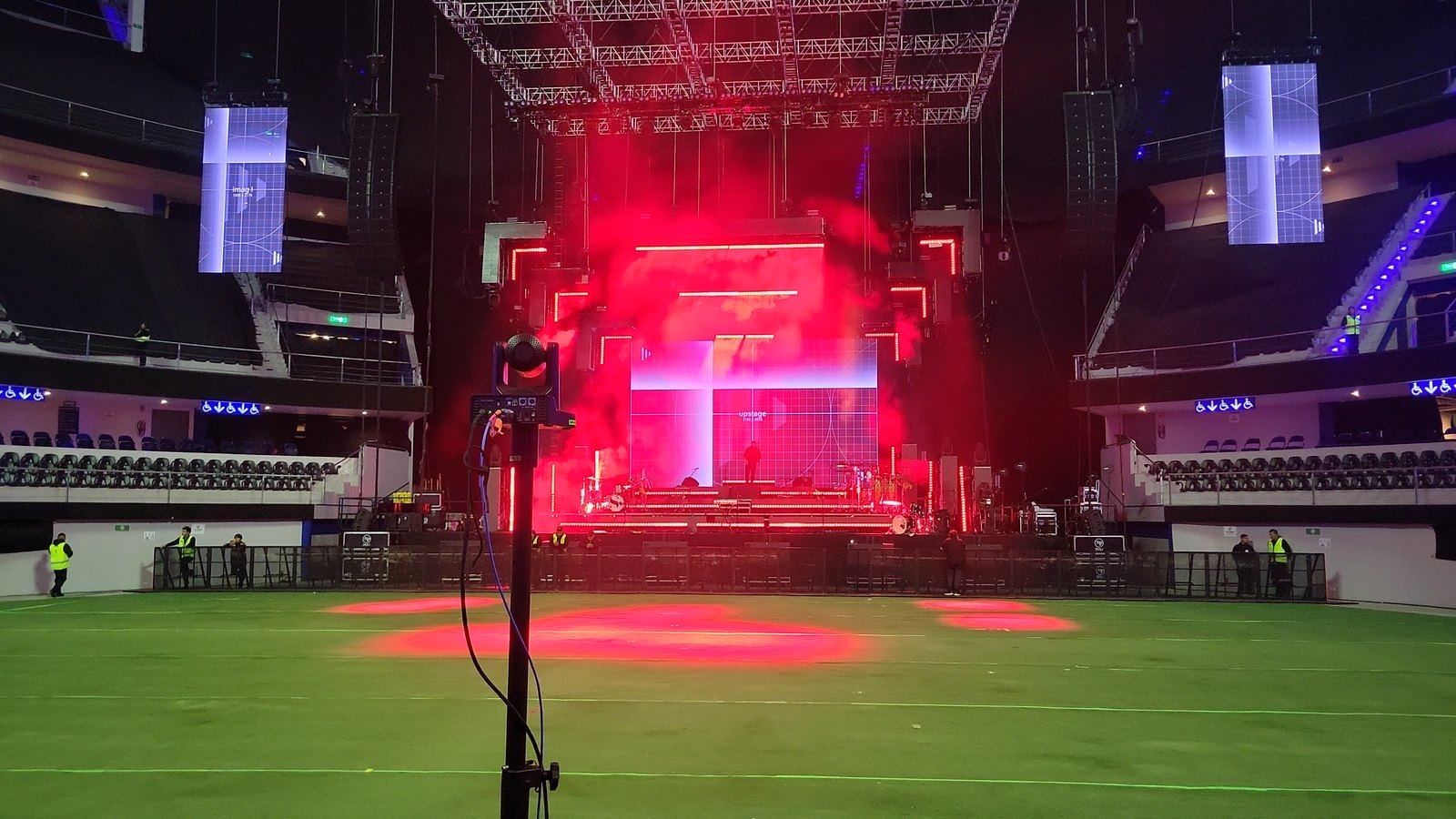
Projection, screens and LED walls managed by us, with content in sync with the stage.
Recording
Every session recorded for later viewing or event content.
Room audio (speakers, microphones and mixing console) is coordinated with trusted specialists, so everything sounds just as good in the room as on the stream.
The right tool for each event.
Our own high-capacity server for most events, and TriCaster rental when the project calls for it.
- Inputs
- 4 × 4K
- Outputs
- 2 × 2K DCI
- Connections
- SDI · HDMI · NDI
- Software
- vMix · Resolume Arena
- Rental and operation
- TriCaster Mini 4K to TC2 Elite
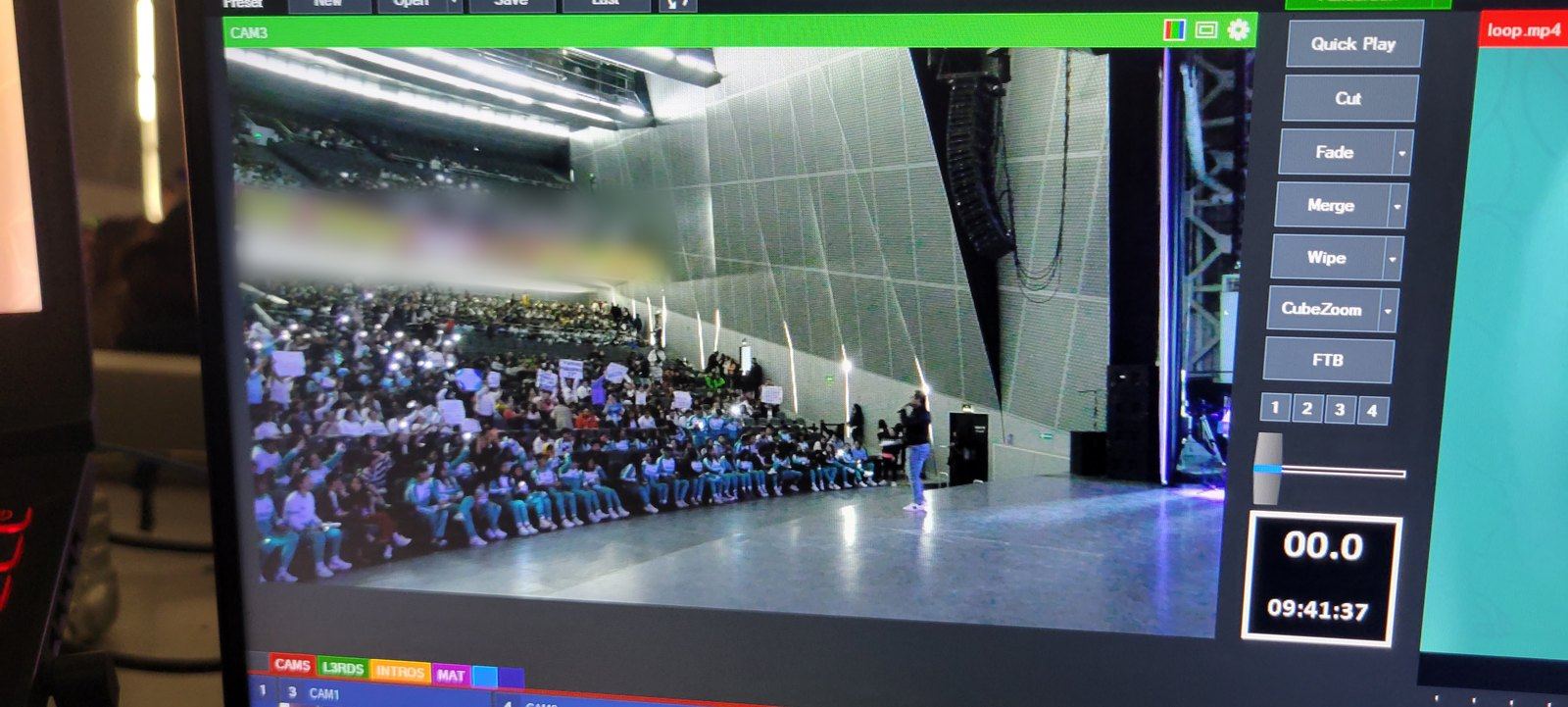
vMix
Multi-camera, live graphics, remote speakers and recording, all from a single console.
Resolume Arena
Screen and LED wall content in sync with the stage: walk-ins, videos and visuals.
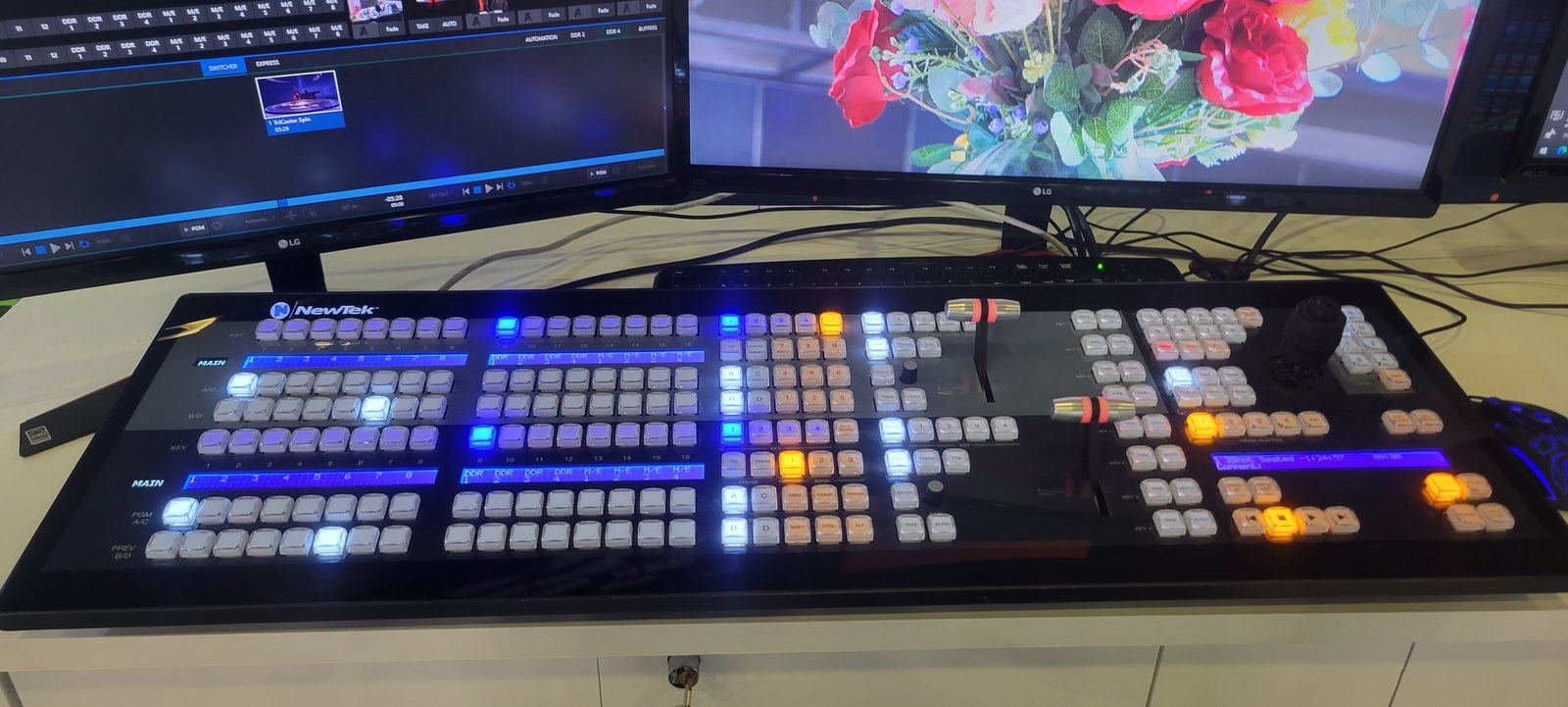
TriCaster
From the Mini 4K to the TC2 Elite, with the control panel your event needs, run by professionals.
The gear we bring to your event.
For large or multi-room events we add trusted crew to match the program.
- Cameras
- 3 × PTZ NDI · IP joystick
- Production
- dedicated server + 2 backup systems
- Capture
- 4 video · 2 audio
- Distribution
- HDMI 4×2 switcher · NDI
- Streaming
- HD 1080p
- Room audio
- with specialists
- Extra crew
- as the event requires
Frequently asked questions
Can you cover several rooms at once?
Yes. For each additional room we add gear and trusted crew; we define it with you based on the program.
Do you work with the venue’s existing audio?
Yes. We take the feed from the room’s mixing console for the stream and the recording. If the audio needs reinforcing, we coordinate it with specialists.
Do you deliver the recording?
Yes. We deliver it through Google Drive, available to download for 30 days.
Do you need the venue’s internet to stream?
Not necessarily. We can bring our own internet; we explain how on the Connectivity page.
How much does it cost?
It depends on the number of rooms, days and cameras, and whether there’s a stream. Send us the details and we’ll reply with a proposal.